
The POS function Park Receipt can be used to put a receipt on hold while handling another transaction. If the Park Receipt does not have an order number assigned, the receipt will come up again automatically as the next transaction. This allows the cashier to finish it or park it again. For help creating buttons, please proceed to the following link: Create POS Buttons / Button Configuration.
Creating the Button:
The most basic setup is to park a receipt without an order number. Receipts parked without an order number will be held and allow you to start a new transaction. Once that new transaction is completed, the parked receipt will become active again. The Type of the button will be Function, and the function is Park Receipt.
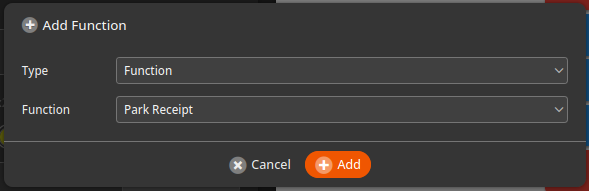
If you want the parked receipt to stay parked until you need to bring it up again, you can assign a generic order number first and then park the receipt. This can be done in a single button with the following functions:
- Character – 0 (or any you’d like to use)
- Function – Set Order Number
- Function – Park Receipt
The button functions would look like this once complete:

When this button is pressed on the POS, the parked receipt will be saved until you decide to re-open it. To open a parked receipt, you can press the P parked receipts icon at the top right of the POS. You can see in the image below we have 3 parked receipts.
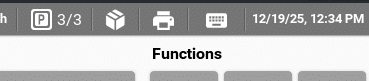
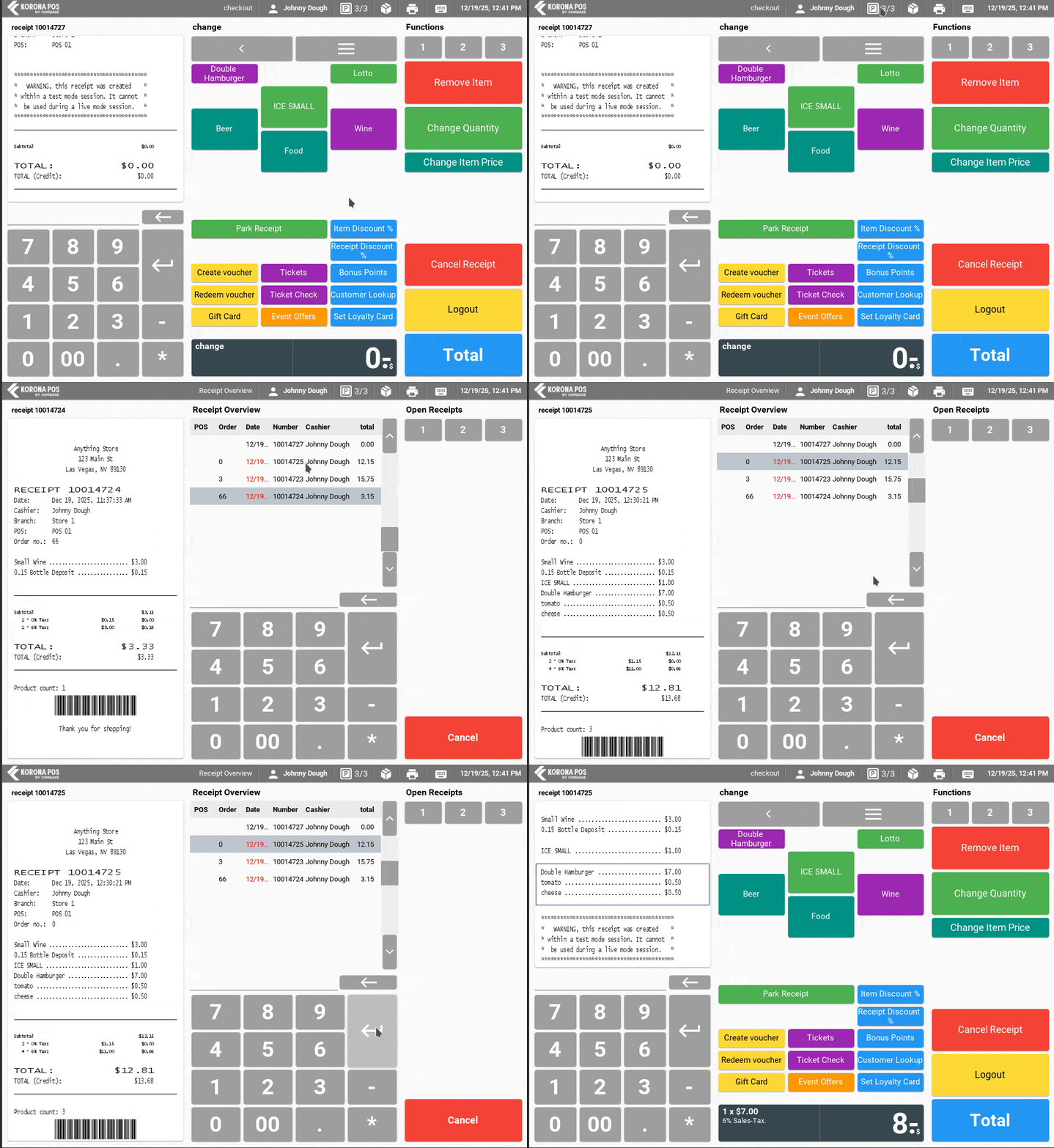
Once you open that menu, you will get a list of the parked receipts. Select the receipt you wish to re-open and press the Enter button.
On the Point of Sale Side:
In order to put the current transaction on hold, simply press the Park Receipt button, which will take the cashier into a new transaction. Once the new transaction is completed, the Park Receipt will come up again automatically if it does not have an assigned order number.
If you have multiple Park Receipts, they will come back up in the order in which they were parked. They can either be finalized when they re-appear or parked again.
*Note: If you want to be able to handle multiple parked receipts, it is recommended to also add the POS function for opening parked receipts: Open Receipt via Order Number.