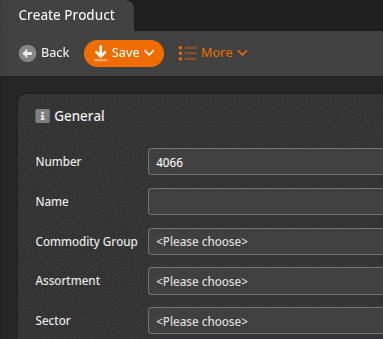
Note: This is for correcting the automatically generated Product ID Number that is used throughout Korona Studio to identify products.
Keeping a well managed inventory can be difficult, even more difficult when there are multiple employees managing it. Make it easier by fixing the automatic number Korona Studio generates when creating a new product.
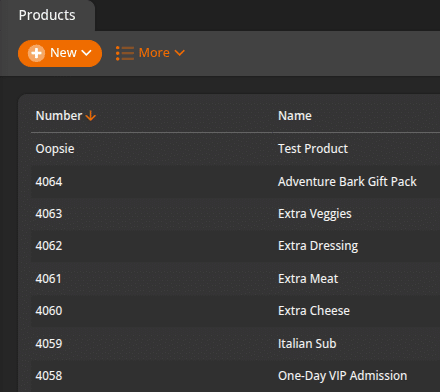
Is the auto-generated number not what you’re expecting? This can be frustrating, luckily there is a quick fix.
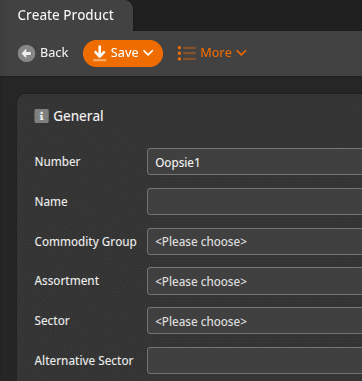
This is easy to fix, navigate to Inventory > Products and filter your products by the highest product number to the lowest number, signified by the down arrow in the column header. You will have to fix the top results until you get to your desired number system. In this example, there is only 1 product to fix, your situation might be different.
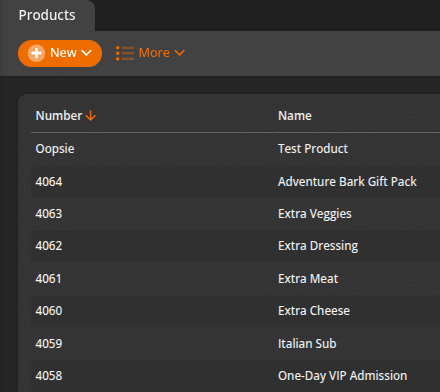
Edit the top product to be the number it should be, in our example it should be 4065, re-save the product and confirm the number sequence is correct as Korona will default to the next highest number in the sequence.
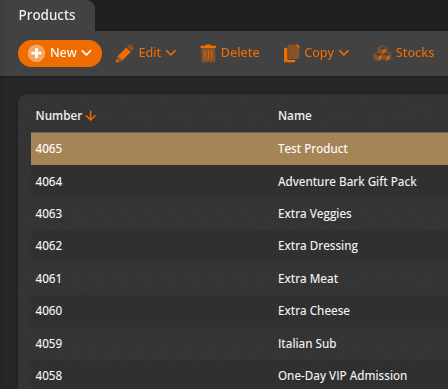
If done correctly, when hitting the +New button to create a new product, the automatic number generated should be the next highest number in the sequence. In our example, we can see that the system is using the next number in the sequence, 4066.